


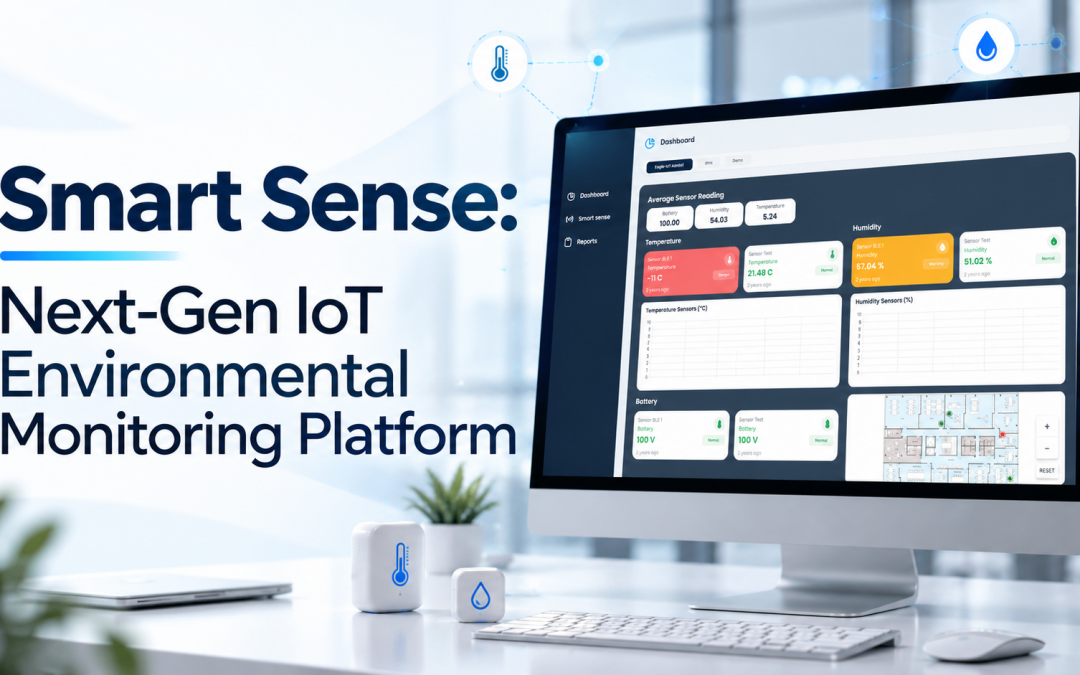
Esses managing warehouses, facilities, production areas, cold rooms, or other monitored environments, the real challenge begins when there are multiple locations, devices, rooms, and monitoring requirements to manage.
A facility manager may need to know whether a room is operating within its required limits. A maintenance team may need to identify a device that is no longer functioning as expected. An operations manager may want to understand trends across different areas, while management may require a consolidated view of the entire monitoring environment.
As operations grow, a monitoring platform must do more than display sensor values. It needs to help users organize devices, understand their physical environment, view the information that matters to them, and move quickly from an overall view to a specific area.
Read: Why Temperature Visibility Is Becoming a Business-Critical Requirement
Smart Sense V2.0 has been redesigned around this requirement.
The new version introduces a more flexible architecture, a completely revamped user experience, improved device management, a new Site → Floor → Room → Zone structure, dedicated monitoring dashboards, and the ability for users to build dashboards according to their own requirements.
When Monitoring Becomes Difficult to Manage
Consider a company operating a large facility with several floors and multiple rooms requiring continuous monitoring.
Initially, the requirement may appear straightforward. Sensors are installed, gateways collect the data, and the monitoring team views readings through a platform.
As the operation expands, however, the monitoring requirement becomes more complex.

The company may add new sensors, move devices between rooms, introduce additional monitoring parameters, or expand its monitoring environment. The team now needs to understand not only the latest reading from a sensor, but also where that sensor is installed, whether the device is functioning correctly, how the monitored area has performed over time, and which information requires attention.
Read: Elevate Cold Chain Operations with Wireless Temperature Sensors
Smart Sense is designed to provide a more organized way of handling this growing complexity.
Organizing the Physical Environment Digitally
One of the challenges in a large, monitored facility is identifying exactly where a sensor belongs.
A list of device IDs may tell an operator that a sensor exists, but it does not necessarily provide an intuitive representation of its physical location.
Smart Sense introduces a structured hierarchy:
Site → Floor → Room → Zone
A customer can create a site for a facility, divide it into floors, define rooms within each floor, and create specific zones within those rooms.
At the Floor level, users can upload the corresponding floor map. At the Room level, zones can be defined directly on the map so that the digital monitoring environment reflects the actual physical areas being monitored.
Sensors can then be assigned or de-assigned from rooms.
For the customer, this provides a much clearer relationship between the physical environment and the data being monitored.
When an operator needs to investigate a reading, the question is no longer simply which sensor is reporting this value? The platform provides a structure that helps the user understand where that sensor belongs within the monitored environment.
When a Device Problem Needs to Be Investigated
Now consider a situation where an operator notices that data from a particular monitoring area is no longer being received as expected.The immediate question is not only what the latest sensor reading is, but also whether the sensor or gateway is functioning correctly.
Smart Sense introduces a dedicated Device Management module to make device administration more flexible.
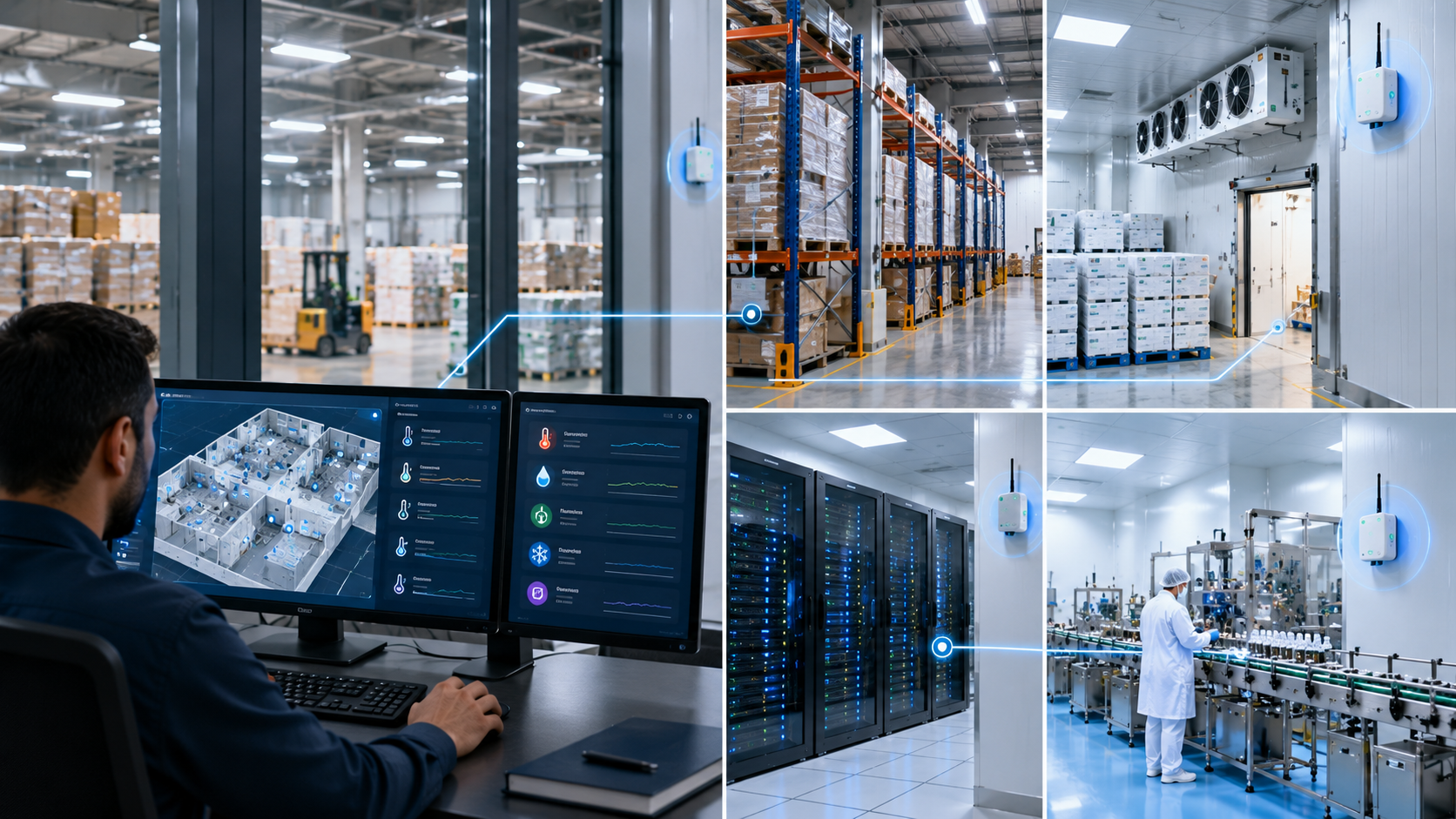
Gateways and sensors can be managed independently from warehouses, inventories, or floors. This allows customers to manage the complete device lifecycle separately from the physical location where a device is currently assigned.
The platform maintains lifecycle information such as when a device was added, updated, or disabled, along with its status and other lifecycle activities.
This becomes useful when devices are installed, moved, updated, or temporarily disabled.
The customer can therefore manage the device itself while separately managing its relationship with the monitored environment.
When the Customer Needs an Overall View
Imagine a facility manager beginning the day by checking the monitoring system.
The first requirement is not to inspect every sensor individually. The manager needs to understand the overall condition of the deployment.
- What events have occurred?
- Are the sensors and gateways operating?
- What trends are developing?
- Which areas require closer attention?
Smart Sense provides a global dashboard designed for this purpose.
The dashboard brings together key events, charts and trends, system health, sensor and gateway status, and overall monitoring insights. This gives users a consolidated view of the monitoring environment before they move into the details.
For customers managing multiple monitored areas, this creates a more practical starting point for daily monitoring.
When One Room Requires More Detail
Suppose the global dashboard indicates that a particular area needs attention.
The facility manager now needs to investigate that room. Smart Sense provides a dedicated room dashboard that goes beyond displaying the latest sensor reading.
Users can view:
- Current sensor readings
- Historical data and trends
- Sensor health
- Gateway health
- Overall room monitoring status
This allows the customer to move naturally from the overall deployment to a specific monitored area such as server rooms requiring Real-Time Temperature & Humidity Monitoringand examine the granular details available for that room. The objective is not simply to provide more data. It is to organize the available information around the way an operator actually investigates a monitoring situation.
When a Standard Dashboard Is Not Enough
Different customers monitor different things.
Even within the same organization, an operations manager may need one set of information, while another team may be interested in a specific parameter, threshold, or trend.
A fixed dashboard cannot always accommodate these different requirements.
This is why one of the most significant capabilities in Smart Sense is the ability to build your own dashboard.
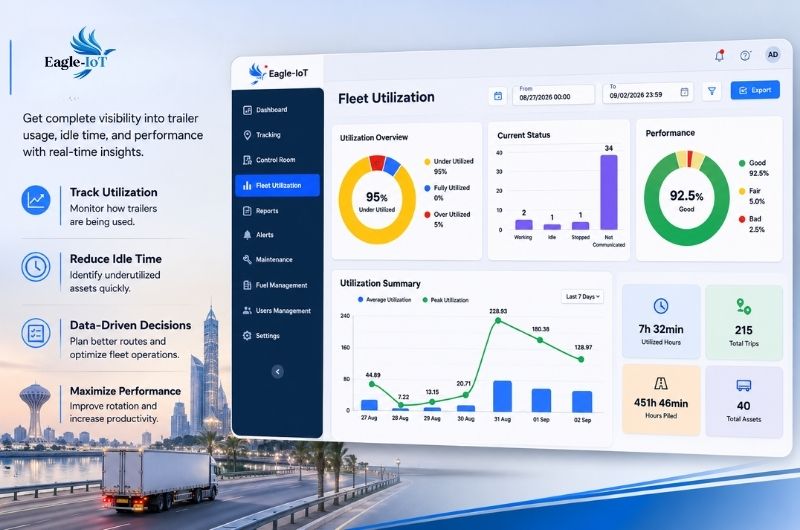
Users can create dashboards based on what they specifically want to monitor. Importantly, the user is not restricted to selecting an entire sensor. A specific parameter from a sensor can be selected and displayed according to the customer’s requirements.
Dashboard tiles can be configured to show:
- Current values
- Average values
- Thresholds
- Charts
- Trends
- Other relevant monitoring metrics
Users can arrange the tiles according to their preferred layout or allow the system to automatically align them.
This gives each customer greater control over how monitoring information is presented.
Instead of adapting the operation to a predefined dashboard, the customer can create a monitoring view that reflects the information most relevant to the operation.
Beyond Traditional Cold-Chain Monitoring
Smart Sense has traditionally supported cold-chain monitoring requirements, but the architecture is designed to support a much broader range of IoT monitoring applications.
Smart Sense is now positioned as a more industry-agnostic IoT monitoring platform, capable of supporting different industries, use cases, assets, sensors, and environments. This is important for organizations whose monitoring requirements may evolve over time.
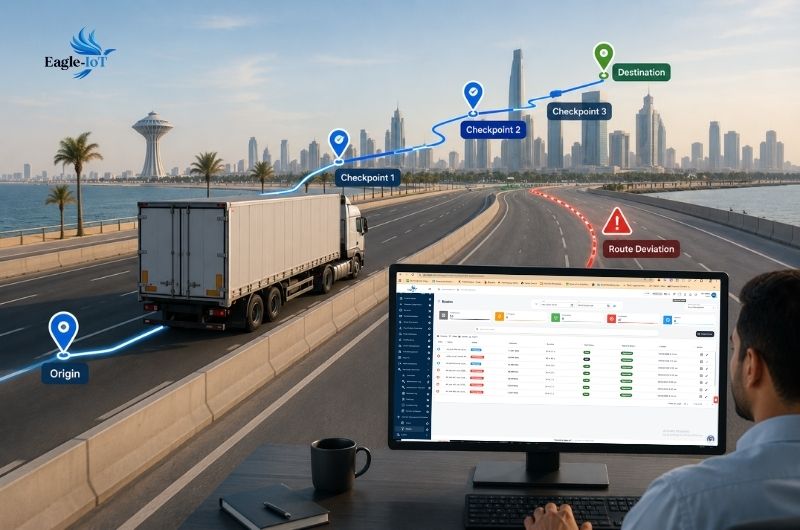
A customer may begin with one monitored environment and later require additional locations, assets, sensors, or use cases. A more flexible platform structure makes it possible to organize these requirements within a broader IoT monitoring environment.
What Makes Smart Sense Different?
The value of Smart Sense does not come from one feature alone.
The capabilities work together to create a more flexible monitoring experience.
The Site → Floor → Room → Zone structure organizes the physical environment. Device Management provides independent control over sensors and gateways and their lifecycle. The global dashboard provides a consolidated view, while room dashboards provide detailed visibility into individual areas.
When customers need information beyond predefined views, custom dashboards allow them to select specific sensor parameters, values, thresholds, charts, and trends.
The result is a monitoring platform that can adapt to the customer’s operational requirements rather than forcing every customer to work with the same predefined view.
(FAQ ) Frequently Asked Questions About TGA Motorcycle Tracking
What is Smart Sense ?
Smart Sense is a redesigned IoT monitoring platform with a more flexible architecture, a new user experience, enhanced device management, structured site and room organization, global and room-level dashboards, and configurable dashboards.
Is Smart Sense only for cold-chain monitoring?
No. While Smart Sense excels at IoT-powered cold-chain management to prevent spoilage and protect sensitive cargo, it is designed as a fully industry-agnostic IoT monitoring platform. Its architecture supports a broader range of industries, assets, sensors, and monitored environments.
What is the Site → Floor → Room → Zone structure?
It is the new environmental hierarchy in Smart Sense. Customers can organize monitored environments by site, floor, room, and zone. Floor maps can be uploaded at the Floor level, while zones can be defined directly on room maps.
Can sensors be moved between rooms?
Smart Sense allows sensors to be assigned or de-assigned from rooms. This provides greater flexibility when the physical organization of a monitored environment changes.
What is the Device Management module?
The Device Management module allows gateways and sensors to be managed independently from warehouses, inventories, or floors. It also maintains device lifecycle information, including when devices were added, updated, or disabled.
What information is available on the global dashboard?
The global dashboard provides a consolidated view of key events, charts and trends, system health, sensor status, gateway status, and overall monitoring insights.
What can users see on a room dashboard?
A room dashboard provides current sensor readings, historical data and trends, sensor health, gateway health, and the overall monitoring status of the room.
Can customers create their own Smart Sense dashboards?
Yes. Smart Sense allows users to create configurable dashboards rather than relying only on predefined dashboards.
Can a dashboard display a specific sensor parameter?
Yes. Users can select a specific parameter from a sensor, rather than being limited to selecting an entire sensor. This provides greater control over what information appears on the dashboard.
What can dashboard tiles display?
Dashboard tiles can be configured to display current values, average values, thresholds, quick charts and trends, and other relevant monitoring metrics.
Can users customize the dashboard layout?
Yes. Users can arrange dashboard tiles according to their preference or allow the system to automatically align them.
Who is Smart Sense designed for?
Smart Sense is designed for organizations that need to monitor connected environments, sensors, gateways, assets, and different operational parameters across a range of use cases.
A More Flexible Future for IoT Monitoring
Smart Sense represents a significant evolution in the way connected environments can be monitored and organized. For the customer, the change is practical.
When the facility grows, the platform provides a structured way to organize it. When devices change, Device Management provides greater flexibility in managing their lifecycle. When an operator needs an overall picture, the global dashboard brings the information together. When a specific room requires investigation, the room dashboard provides greater detail. And when predefined dashboards do not meet a customer’s requirements, users can build their own monitoring experience.
This is the direction of Smart Sense : a more flexible, organized, and customer-configurable approach to IoT monitoring.
