


When Fleet Data Exists but the Answers Are Missing
Managing a fleet involves more than tracking vehicle locations. Fleet operators need to understand how vehicles are being used, where operational costs are increasing, which trips require closer attention, and how effectively drivers and assets are performing.
Most fleet management platforms collect substantial amounts of operational data. However, having access to data does not automatically translate into actionable information. The real challenge is organizing that information in a way that answers the questions decision-makers ask every day.
Consider a fleet operator managing a large number of vehicles across multiple locations. The operations team wants to investigate excessive idling, the finance department needs a clearer view of fuel-related expenditure, and fleet managers require trip summaries to review vehicle utilization. Each department needs different information, different calculations, and different ways of presenting the results.
When the reporting system offers only predefined templates, these requirements can become difficult to accommodate. Teams may need to export data, rearrange spreadsheets, calculate totals manually, or request customized reports whenever their requirements change.
Over time, reporting becomes a time-consuming administrative activity instead of a practical tool for improving fleet performance.
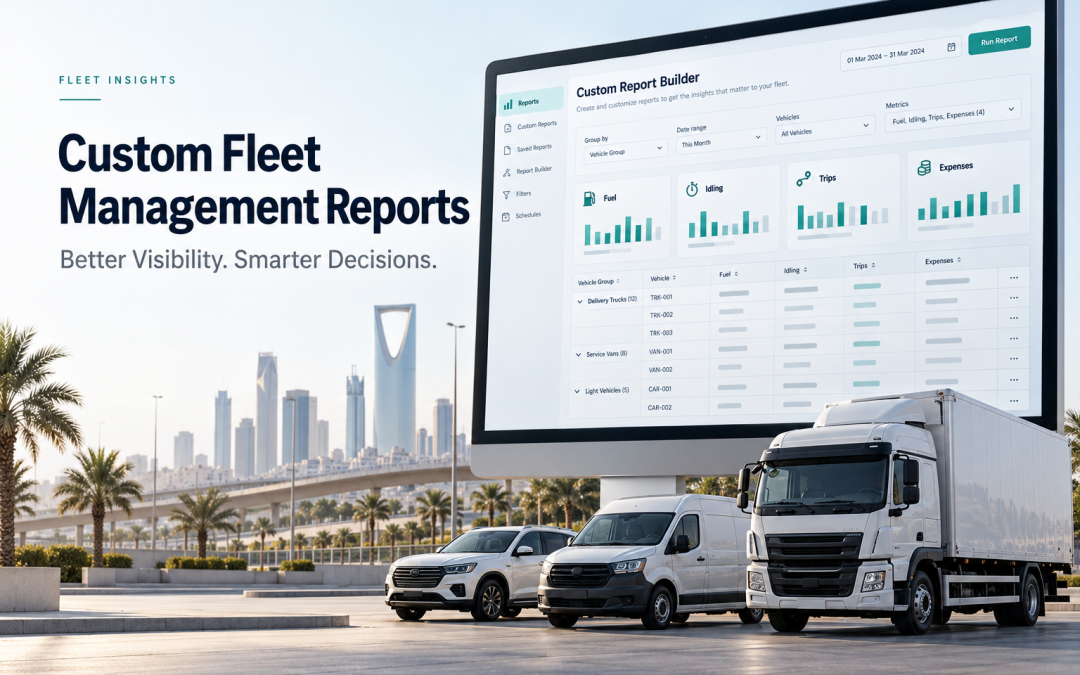
Custom Report Builder in Eagle-IoT introduces a more flexible approach. Rather than depending entirely on predefined reports, fleet operators can create report templates around their specific operational requirements, select the information they need, apply conditions, organize results, and review the output before saving it.
This use case explores how a fleet operator can address common reporting challenges by using customizable reporting capabilities to make fleet data more relevant, accessible, and useful for everyday decision-making.
The Business Challenge: Different Departments Need Different Answers
Imagine a transportation company operating a mixed fleet of vehicles used for deliveries, field operations, and intercity transportation.
The company already uses a fleet management platform to collect telemetry and trip data. Although the information is available, the management team continues to experience difficulties when preparing operational reports.
The problem is not a lack of data. It is the difficulty of extracting the right information for each business requirement.
Challenge 1: Fuel Consumption Is Difficult to Investigate
The finance and fleet operations teams want to understand fuel-related costs across vehicles, drivers, and operational periods.
A general fuel report may provide consumption figures, but management may also need to compare fuel-related expenditure against individual vehicles, identify records associated with particular drivers, or organize the information according to asset references and registration numbers.
When the available report does not contain the required fields in the preferred order, employees may need to export the results and modify them manually.
This creates additional work and makes it more difficult to establish a consistent reporting process.
Challenge 2: Excessive Idling Requires a More Focused Analysis
Idling is another operational factor that fleet managers need to monitor. Vehicles remaining stationary with their engines running may consume fuel without contributing to productive movement.
However, reviewing a large volume of vehicle records to identify relevant idling activity can be inefficient.
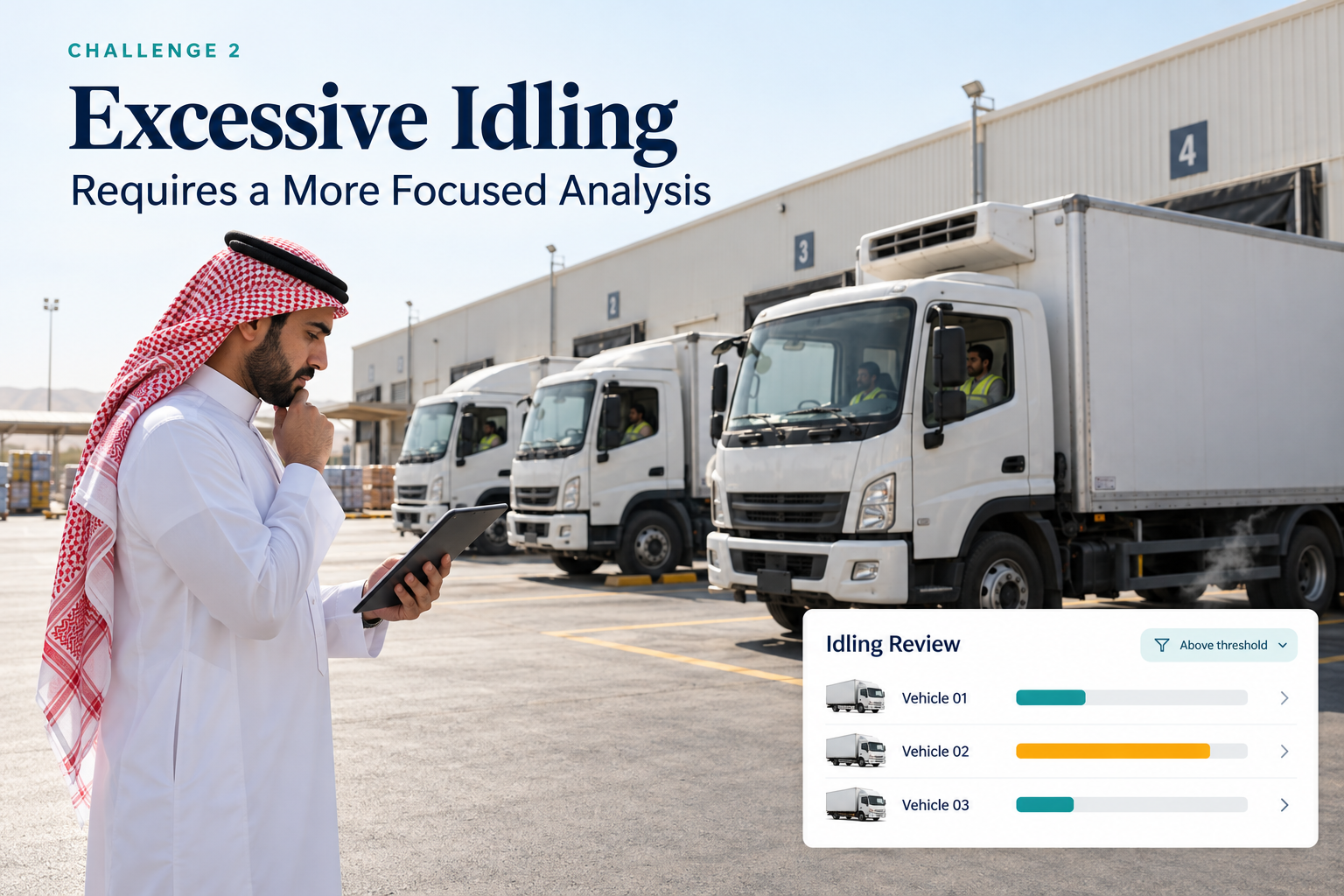
A fleet manager may want to examine only vehicles exceeding a defined idling threshold, group the results by vehicle, and calculate the number of relevant records for each asset.
A general report may not present the information in precisely this format.
Without flexible filtering and summarization, identifying the records that require attention can involve unnecessary manual effort.
Challenge 3: Trip Performance Is Difficult to Present Consistently
The operations department reviews trip information to understand vehicle activity and investigate specific journeys.
Different questions require different report structures. A supervisor may need a trip-level view containing individual records, while a regional manager may prefer a summarized view grouped by vehicle or driver.
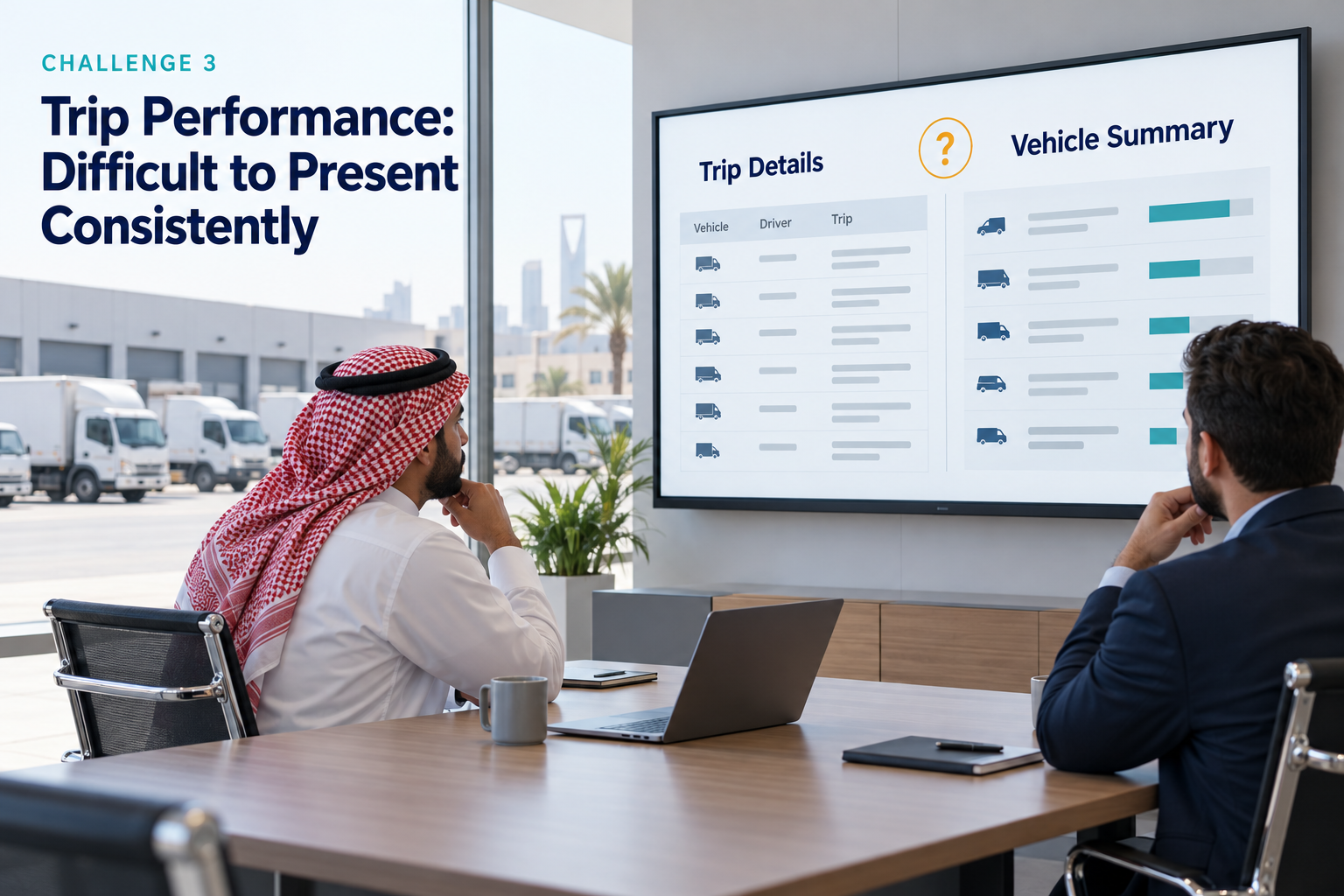
The information required for each review can also change according to the operational objective.
A single fixed report structure cannot always accommodate these variations effectively.
Challenge 4: Operational Expenditure Requires Better Organization
Fleet-related expenditure is not limited to fuel. Depending on the information maintained in the system, managers may need to examine other expenditure records alongside asset and driver information.
The finance team may require summed expenditure values, while operations managers may need to compare individual records or group results according to specific fields.
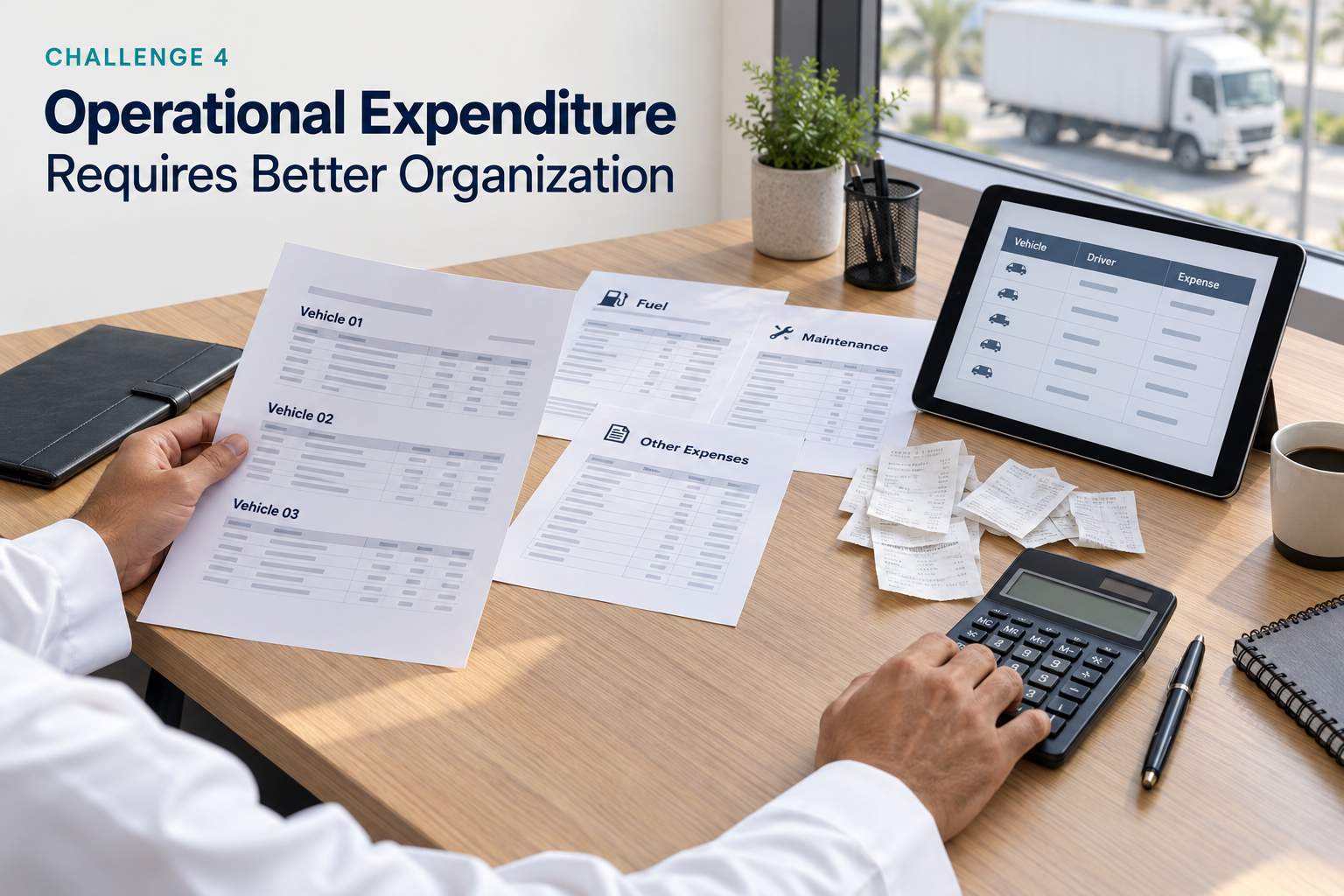
When these calculations and arrangements must be completed outside the platform, reporting becomes dependent on additional processing.
Challenge 5: Reporting Depends Too Heavily on Technical Assistance
The final challenge is the dependency created by inflexible reporting tools.
When users cannot modify report fields, conditions, grouping, or calculations according to their needs, even a relatively straightforward reporting request may require assistance from another team.
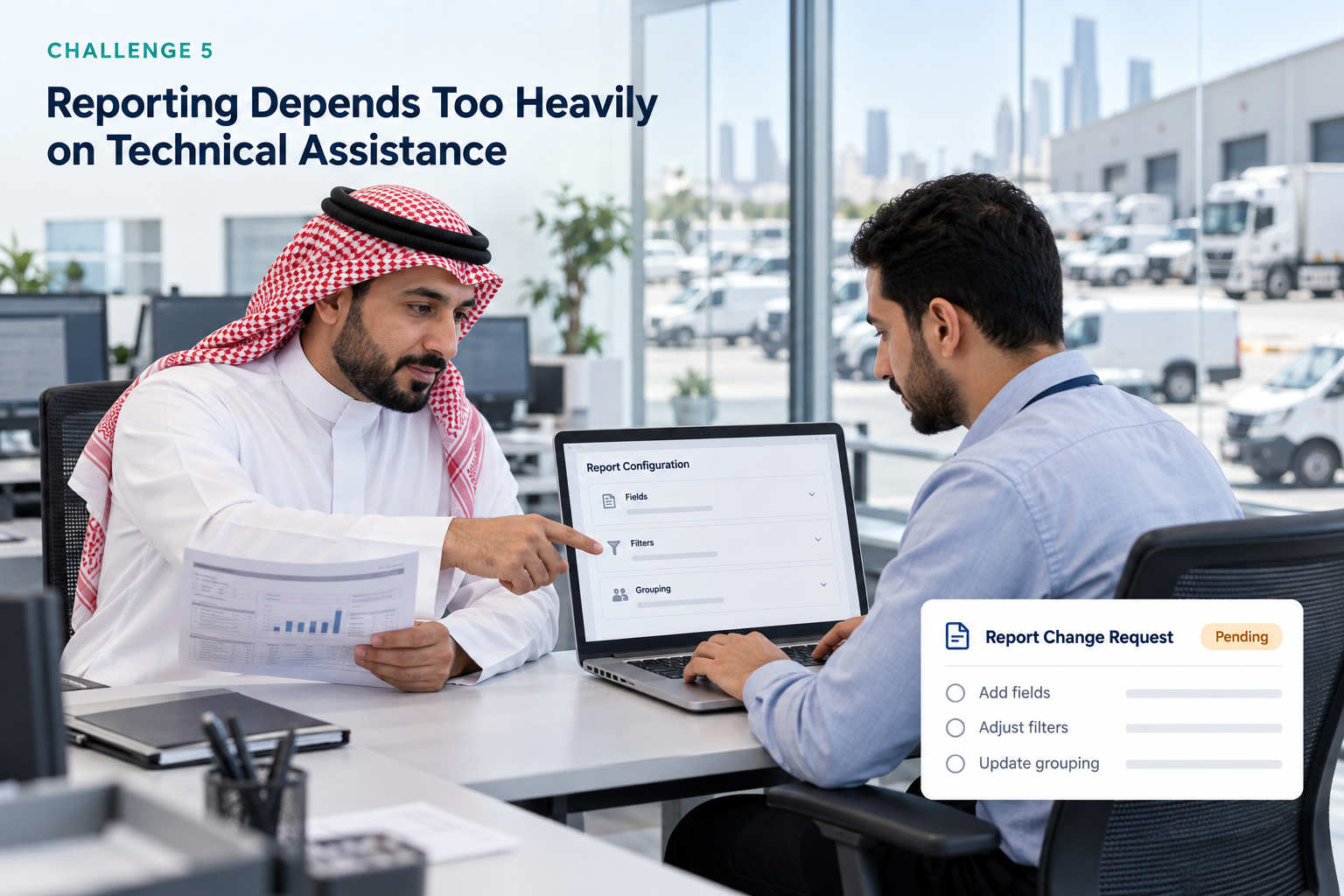
This slows down the process of answering operational questions and makes it harder for departments to adapt reports as their requirements evolve.
The fleet operator therefore needs a reporting capability that allows authorized users to define the information they want, organize it according to their business logic, and reuse the resulting templates.
The Solution: Custom Report Builder in Eagle-IoT
Eagle-IoT addresses these challenges through its Custom Report Builder, which gives users greater control over how fleet information is selected, organized, filtered, and presented
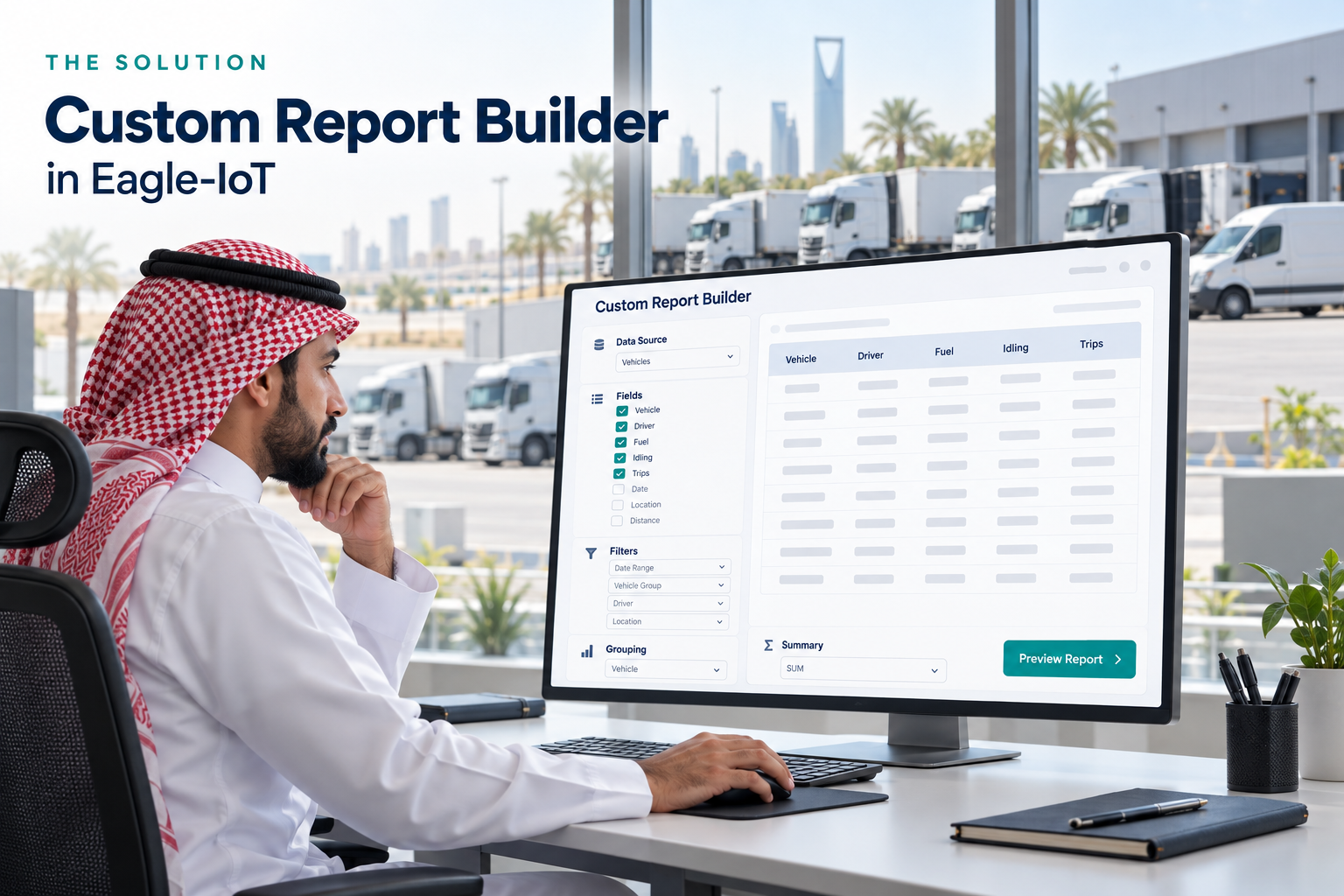
Instead of working exclusively with predefined report formats, users can create templates based on telemetry data or trip data and configure the output around their reporting objectives.
The process brings several reporting capabilities together in one workflow:
- Selecting the required data source and parameters.
- Choosing the fields that should appear in the report.
- Arranging columns according to business priorities.
- Grouping records by selected fields.
- Calculating summaries using standard aggregation functions.
- Applying conditions and combining them through AND/OR logic.
- Managing report ownership and sharing permissions.
- Testing the report before saving it.
- Generating reports in multiple languages.
These capabilities allow different departments to build reports suited to their responsibilities without requiring every report to follow the same structure.
More importantly, the reporting process begins with a business question rather than a predefined template.
Use Case One: How Can Fleet Operators Track and Reduce Excessive Idling?
Consider a fleet manager who wants to investigate vehicles with idling activity exceeding an internally defined threshold.
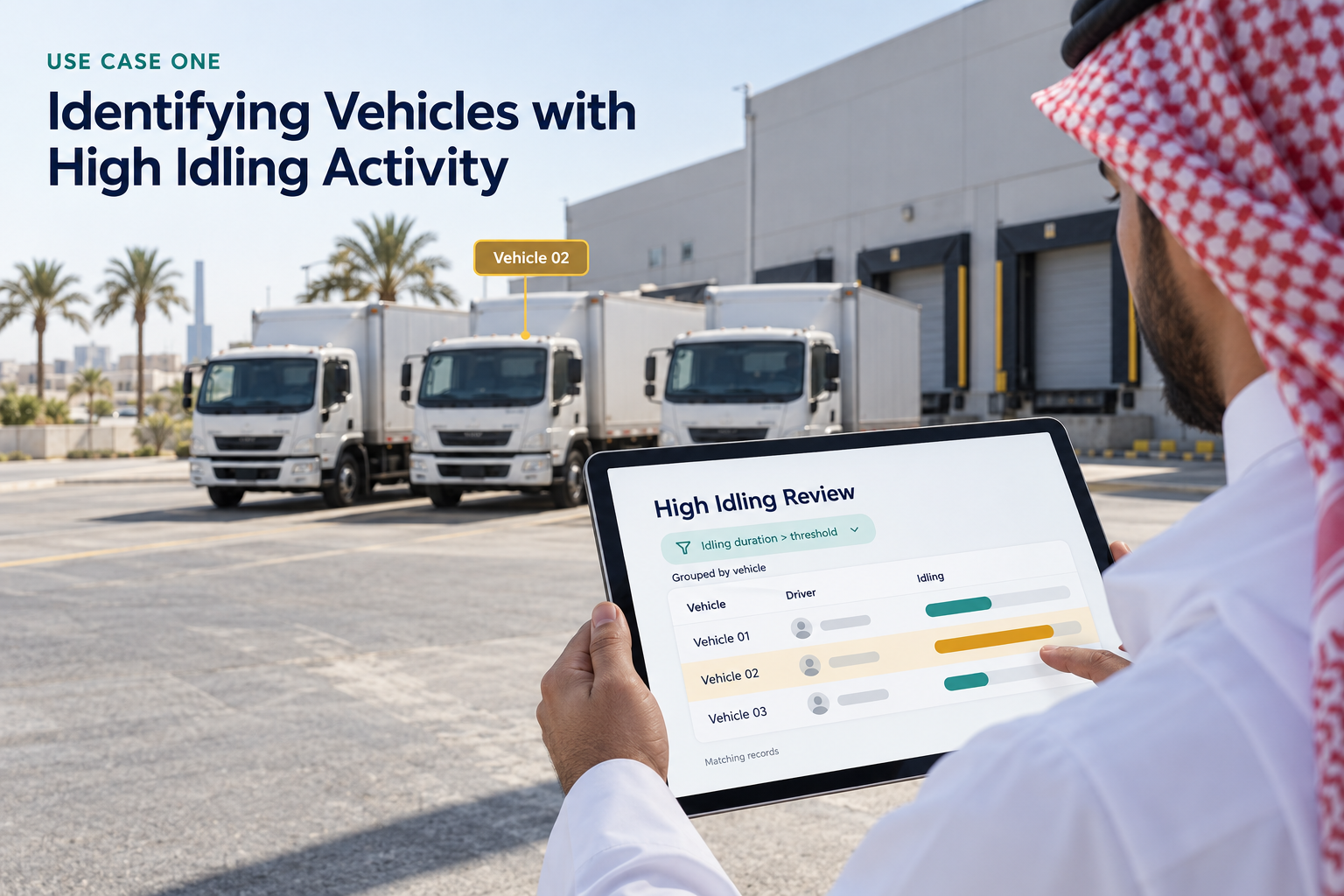
The objective is not simply to generate a list of idling records. The manager wants to organize the information by vehicle, review the relevant records, and determine which assets may require further investigation.
The reporting approach
The manager begins by creating a custom report using the appropriate telemetry data source.
The next step is to select the fields required for the investigation. These may include the driver, asset reference, vehicle registration number, and relevant idling parameters available in the selected data source.
The manager can then define a condition to identify records that exceed the required threshold, using the available comparison operators.
For example, a report condition could be configured to identify idling duration greater than a defined value. Additional conditions can be combined using AND/OR logic when the investigation requires multiple criteria.
The report can also be grouped by asset reference or another suitable field to make the results easier to review.
Where appropriate, a summary table can use the COUNT function to calculate the number of matching records for each group. Other supported aggregation functions can be used when the selected data fields and report structure permit meaningful calculations.
Before saving the template, the manager previews the results to confirm that the selected fields, conditions, and grouping produce the intended output.
The operational value
The resulting report gives the manager a more focused view of the records that meet the selected conditions.
Instead of manually reviewing every available record, the manager can concentrate on vehicles that warrant further examination.
The report can support subsequent investigations into vehicle utilization, driver practices, operating schedules, or other factors that may contribute to excessive idling.
It is important to distinguish reporting from intervention. A custom report does not, by itself, eliminate idling or establish its cause. Its value lies in helping the fleet team identify relevant information and use it as a basis for operational action.
Use Case Two: Building a More Useful Fuel and Expenditure Report
Fuel expenditure is a significant consideration for many fleet operators. However, a useful analysis requires more than a single overall figure.
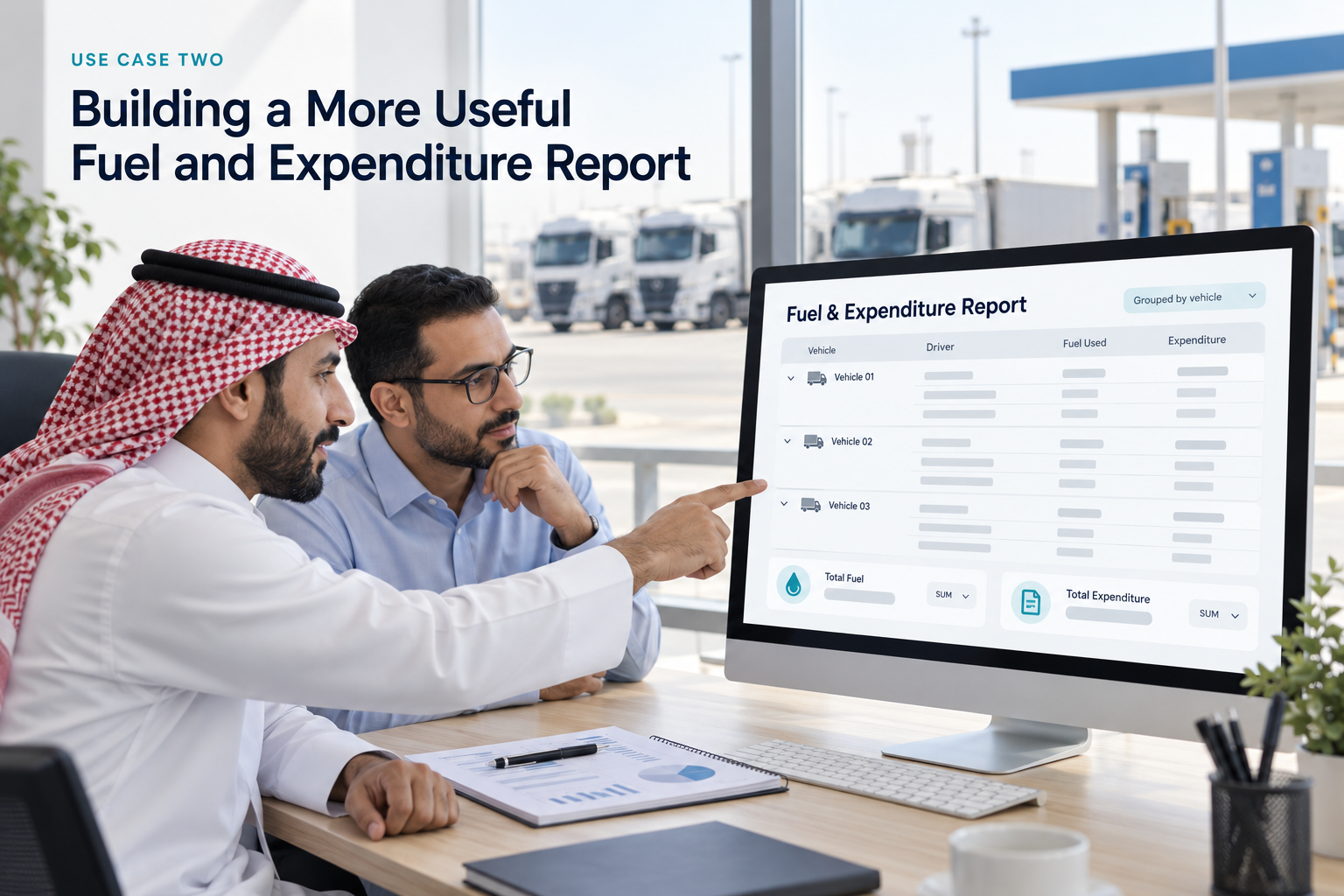
Management may want to understand how expenditure is distributed across vehicles, how records relate to individual assets, and how fuel-related information can be reviewed alongside other operational parameters.
The difficulty arises when the standard report does not contain the required combination of fields or calculations.
The reporting approach
Using Eagle-IoT’s Custom Report Builder, the user selects the relevant data source and chooses the available fuel, expenditure, driver, and asset-related fields required for the analysis.
The user can determine the order in which columns appear. For example, the report may place the asset reference and registration number first, followed by the relevant fuel or expenditure values and other selected parameters.
This arrangement helps ensure that the information most important to the finance or operations team is immediately accessible.
The user can then group records by a selected field, such as asset reference, where the chosen data structure supports that grouping.
Summary tables can use SUM to calculate totals for suitable numeric fields. AVERAGE can help calculate average values, while MIN and MAX can identify the lowest and highest values within the applicable dataset.
COUNT can be used to count matching records.
The selection of an aggregation function should reflect the meaning of the underlying data. For instance, summing expenditure amounts may be appropriate for a total-cost report, whereas averaging a field may be more useful for examining typical values.
The report can also incorporate conditions to restrict the records included in the analysis. For example, a user might filter by a selected expenditure threshold or another supported criterion.
Once the report is configured, the user previews the output and adjusts the fields, sorting logic, or conditions as necessary before saving the template.
The operational value
This approach gives the finance and fleet operations teams a repeatable way to organize the information they need.
Rather than restructuring a standard export every time a particular analysis is required, users can save a suitable report template and reuse it when needed.
The resulting information can support expenditure reviews, comparisons between assets, and discussions about operational cost management.
However, fuel consumption and expenditure should not be treated as interchangeable measurements. A meaningful comparison depends on the actual fields available, the accuracy of the underlying records, and the context in which the vehicles operate.
For example, different vehicle types, routes, payloads, and operating conditions may influence fuel consumption. Custom reporting makes it easier to organize the relevant information, but management must still interpret the results in context.
Use Case Three: Reviewing Trip Performance at Different Levels
A fleet supervisor and an operations director may examine the same trip data but require different views of the results.
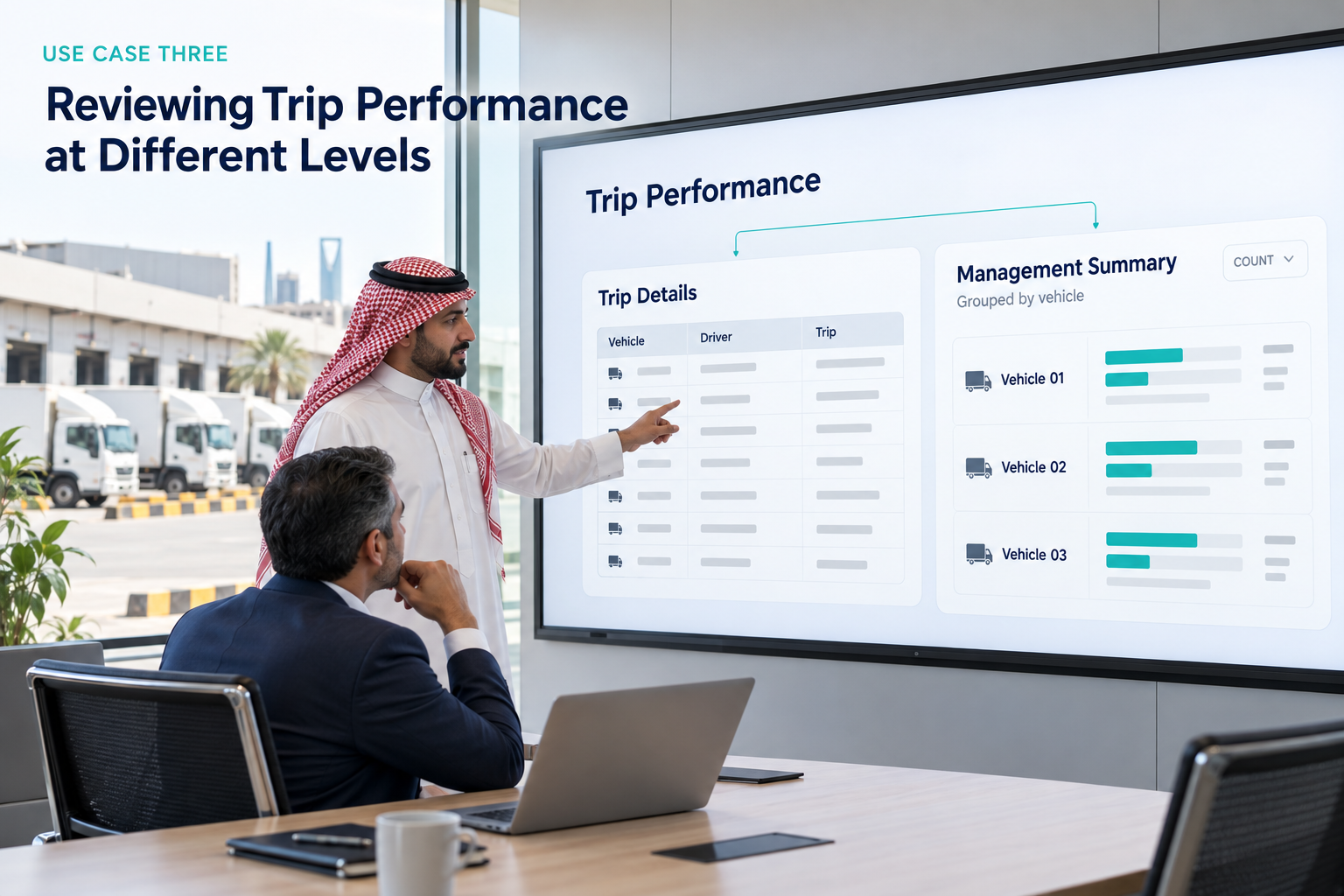
The supervisor may need individual trip records to investigate specific journeys. The operations director may prefer a summarized view of activity grouped by vehicle or driver.
When both users depend on the same fixed report, at least one of them may need to modify the exported information before it becomes useful.
The reporting approach
The user creates a custom report based on trip data and selects the fields required for the intended review.
These fields may include the driver, asset reference, plate number, and other relevant trip parameters available through the selected source.
For a detailed operational review, the user can retain the individual records and arrange the columns in a logical sequence.
For a summarized report, the user can group the data by a selected field, such as driver or vehicle, depending on the reporting objective.
Aggregation functions can then be applied to suitable fields. COUNT can help summarize the number of records in a group, while SUM, AVERAGE, MIN, and MAX can be used where their application is appropriate to the selected data.
Custom sorting logic allows the user to arrange the results according to the priorities of the review.
For example, a manager may prefer a particular order of asset groups or want results sorted by a relevant numerical field.
Conditions can further narrow the report to specific records. Multiple conditions can be combined using AND/OR logic, allowing the user to define more precise criteria without including unrelated information.
After reviewing the preview, the user can make adjustments and save the report once the output meets the requirements.
The operational value
Different users can work with report structures that reflect their responsibilities while relying on the same underlying fleet management environment.
Supervisors can use detailed reports to examine individual journeys, while management can use grouped summaries to review activity at a higher level.
This makes the reporting process more adaptable to different operational questions.
It also helps establish consistency. When a report template is saved and reused, the team can follow the same field selection, grouping, filtering, and sorting logic instead of rebuilding the report from the beginning each time.
The quality of the resulting analysis still depends on the selected data and the accuracy of the recorded trip information. Nevertheless, flexible reporting provides a more practical foundation for reviewing fleet activity.
Use Case Four: Giving Departments Control Over Their Own Reports
Reporting requirements rarely remain static.
A fleet operations team may initially require a report containing vehicle and trip information. Later, the same team may need to introduce additional fields, change the sorting order, or apply different conditions.
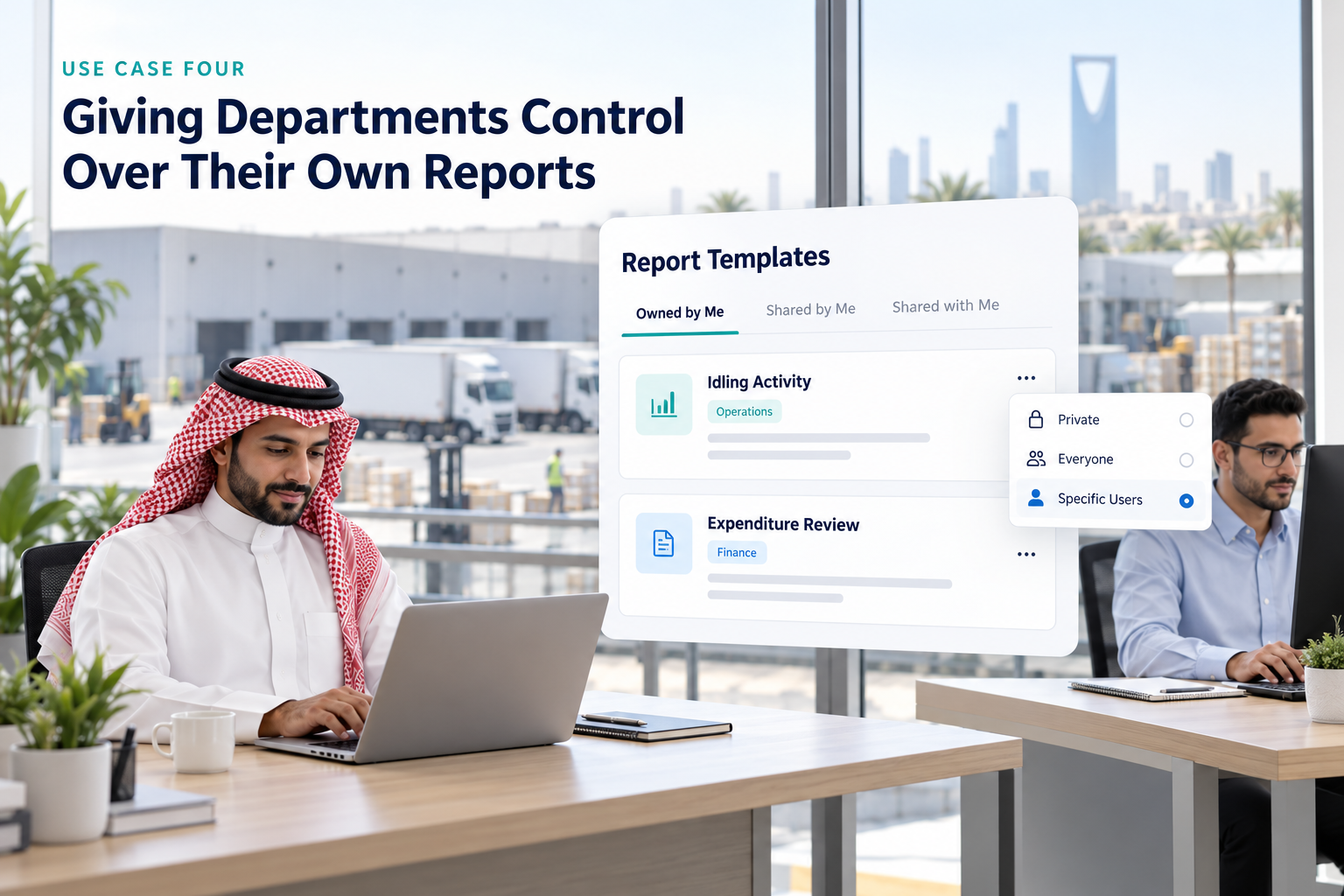
The finance department may have its own requirements, while senior management may prefer a more consolidated view.
If all these requests depend on a centralized report-development process, even minor changes can introduce delays.
The reporting approach
Eagle-IoT allows users to give each report a name and description so that its purpose is easier to understand.
Users can also manage report visibility according to the available sharing options. A template can remain private, be shared with everyone, or be shared with specific users.
The platform also helps users distinguish between reports they own, reports they have shared, and reports shared with them. Where applicable, users can identify who shared a report.
Consider a fleet supervisor who develops a report for reviewing idling activity. The supervisor may keep the report private while testing it, then share it with the relevant team when it is ready for wider use.
Similarly, a finance user can create a report focused on expenditure and make it available to the intended colleagues.
This arrangement allows teams to maintain their own reporting workflows while making useful templates accessible to others when appropriate.
The operational value
Report management reduces ambiguity around the purpose and availability of individual templates.
Clear naming and descriptions help users identify the correct report, while sharing options support collaboration between authorized users.
It also reduces unnecessary duplication of reporting effort. When an existing template already meets another user’s requirements and is shared appropriately, the team may not need to create a separate version from scratch.
The key consideration is governance. Shared reports should be relevant to the intended audience, and users should follow their organization’s access and data-handling policies.
Use Case Five: Testing Reports Before Putting Them into Use
A report can contain the correct fields and still produce an unsuitable result if its conditions, grouping, or calculations are not configured as intended.
For example, an incorrectly selected condition may exclude relevant records. A poorly chosen grouping field may make the results difficult to interpret. A summary calculation may also be unsuitable for the selected parameter.
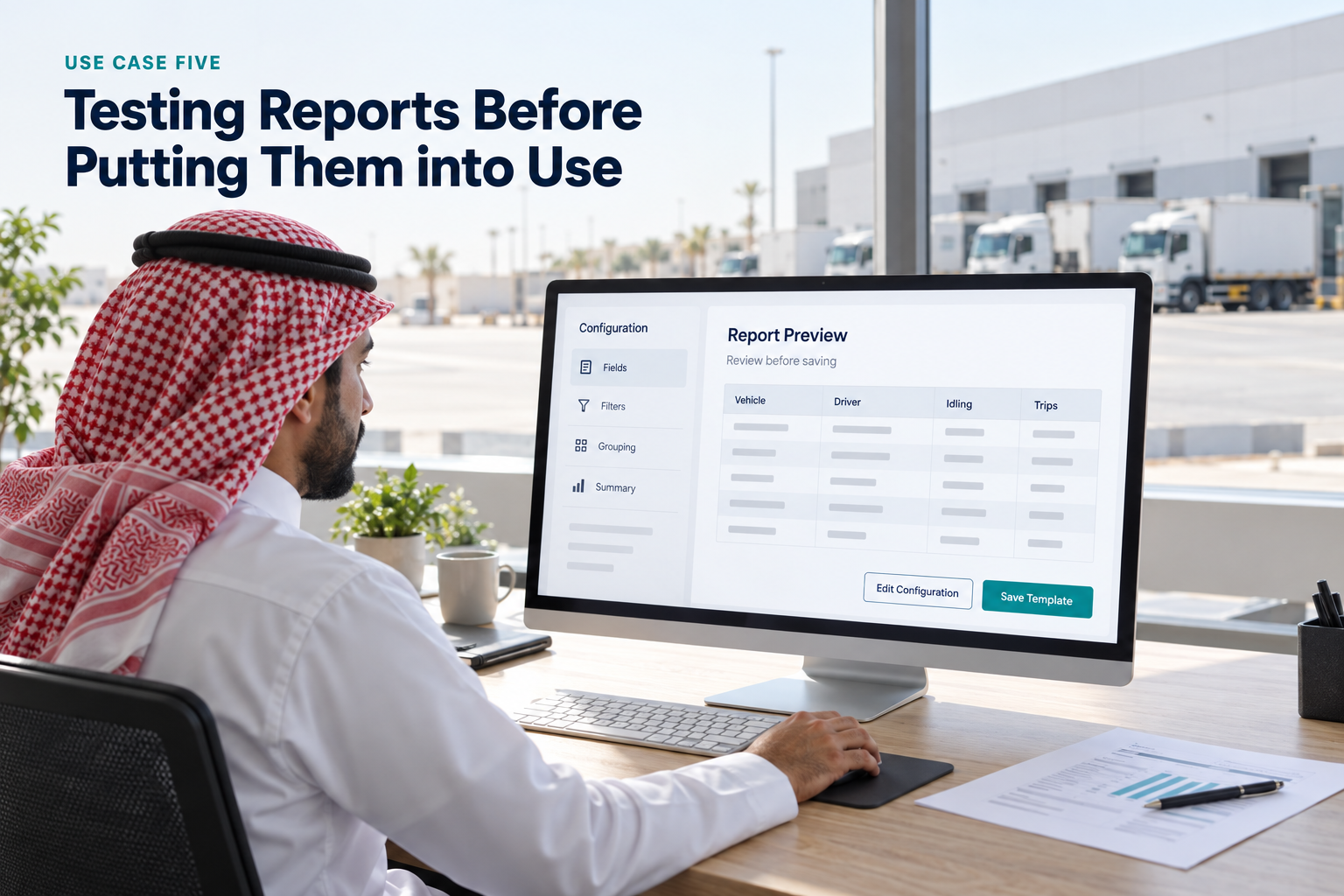
These issues can reduce confidence in reporting and lead to additional rework.
The reporting approach
Eagle-IoT allows users to preview and test a report before saving it.
This gives the user an opportunity to review the output, assess whether the selected fields are relevant, and confirm that the conditions produce the intended results.
If an adjustment is required, the user can return to the configuration, modify the report, and preview it again.
The process can be repeated until the report meets the user’s requirements.
This is particularly useful when building reports with several conditions, multiple grouping levels, or customized summary tables.
The operational value
Previewing the report provides an additional opportunity to identify configuration issues before the template becomes part of a regular reporting workflow.
It also allows users to assess whether the report is understandable and suitable for its intended audience.
For example, a fleet manager preparing an idling report can check whether the selected conditions return the records expected for the investigation. A finance user can examine whether the chosen fields and totals are presented in a useful format.
This review does not replace validation of the underlying data or independent checks where financial accuracy is critical. It does, however, make the report-building process more controlled and transparent.
Use Case Six: Supporting Multilingual Fleet Operations
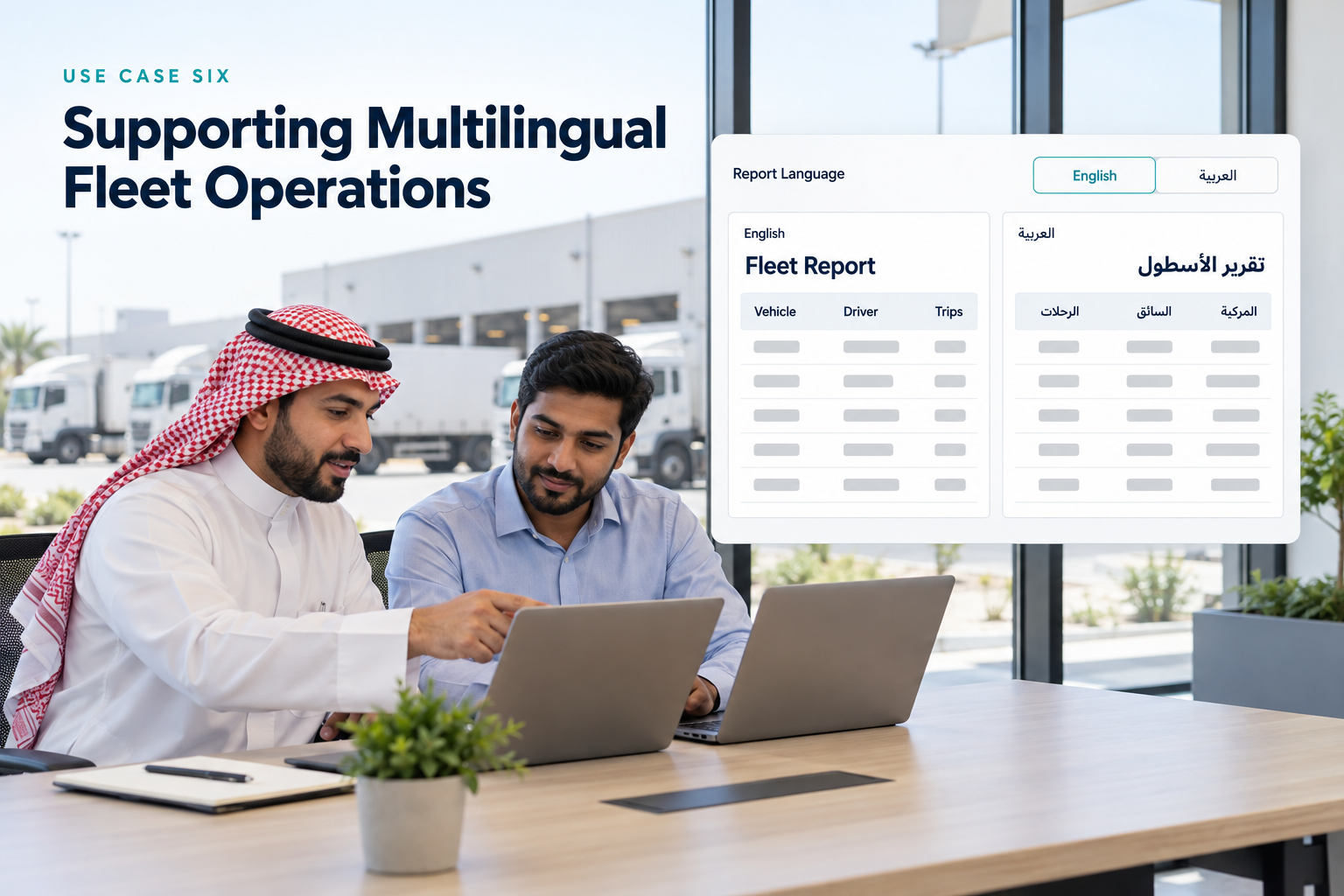
Fleet operations frequently involve teams with different language preferences. This can create practical challenges when employees need to review reports, share findings, or work with operational information across departments and locations.
A reporting workflow becomes more accessible when users can work with generated reports in the languages supported by the platform.
The reporting approach
Eagle-IoT supports multiple languages in generated reports by default.
This capability helps accommodate users who prefer different languages when reviewing fleet information.
Combined with customizable fields, report grouping, and template sharing, multilingual reporting supports a more flexible reporting experience for diverse teams.
The operational value
Users can access reports in a way that better suits their language preferences, helping make reporting more accessible across the organization.
For businesses with distributed operations, this can support communication between teams that need to work with the same operational information.
Multilingual support is particularly valuable when combined with consistent report structures and clearly defined reporting objectives. It helps reduce language-related friction without changing the underlying operational data.
From Manual Reporting to a More Structured Workflow
The most important benefit of a Custom Report Builder is not simply the ability to create more report formats. It is the opportunity to establish a more consistent way of answering operational questions.
Consider how the reporting workflow changes.
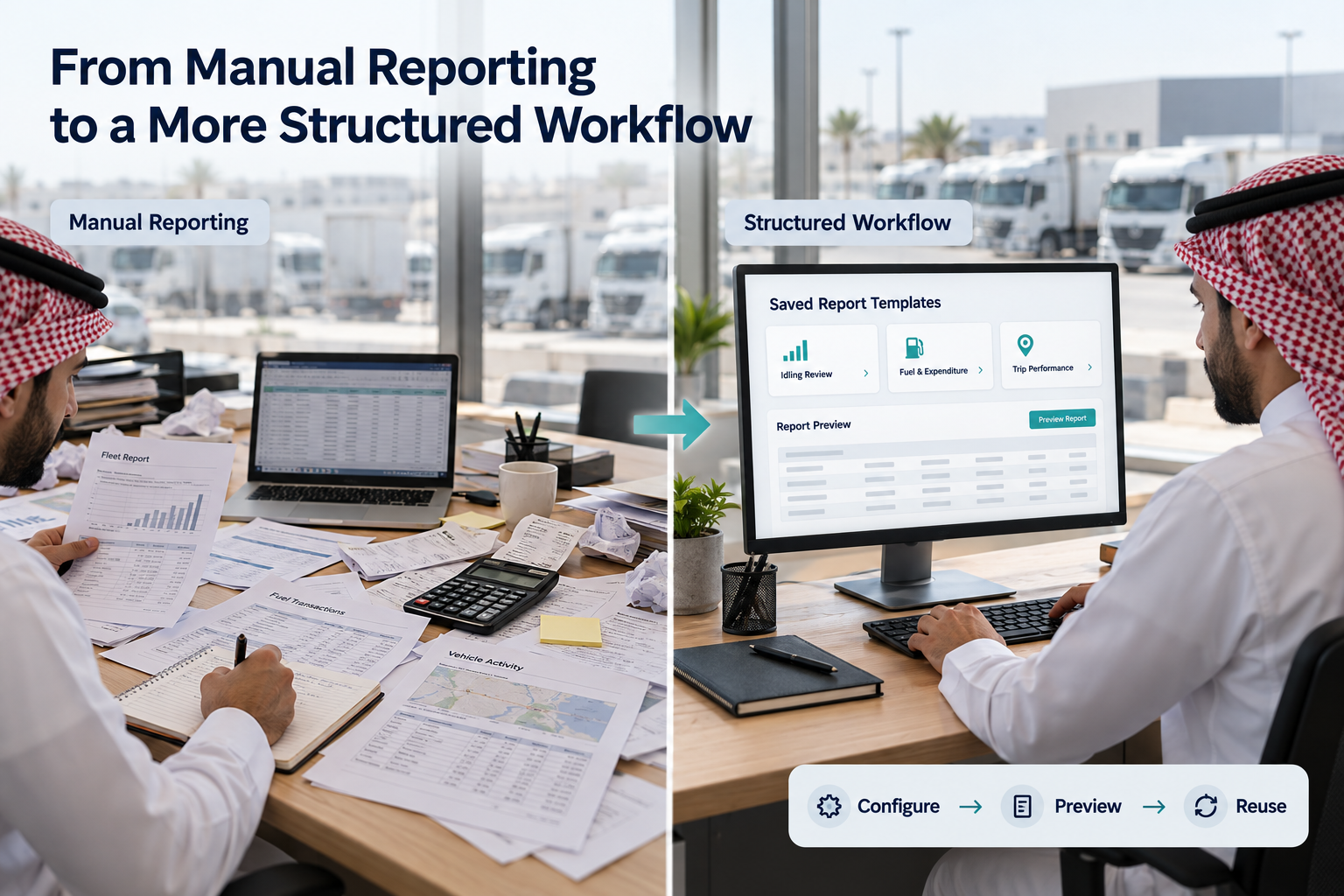
Under a rigid reporting approach, a user identifies a requirement, searches for an available report, exports the results if necessary, modifies the columns, performs calculations, and repeats the process when the requirement changes.
With a configurable report-building workflow, the user can select the appropriate data source, define the required fields, apply conditions, organize the results, test the output, and save a reusable template.
The improvement lies in the ability to configure the report closer to the point where the information is needed.
|
Reporting requirement |
Custom Report Builder capability |
Operational benefit |
|
Investigate idling activity |
Apply conditions and group relevant records |
Focus attention on selected vehicles or records |
|
Review fuel and expenditure |
Select fields and apply suitable summary functions |
Organize cost-related information for analysis |
|
Examine trip performance |
Build detailed or grouped trip reports |
Support different levels of operational review |
|
Standardize recurring reports |
Save named templates with descriptions |
Improve consistency and reuse |
|
Share information across teams |
Manage report visibility and sharing |
Support collaboration between authorized users |
|
Validate report configuration |
Preview and test before saving |
Identify configuration issues before reuse |
|
Support different language preferences |
Generate multilingual reports |
Improve reporting accessibility |
The practical outcome will vary according to the organization’s reporting processes, data quality, user permissions, and operational requirements. However, the ability to configure and reuse reports provides a stronger foundation for structured fleet analysis.
Why Custom Reporting Matters for Fleet Management
Fleet management decisions are rarely based on a single data point.
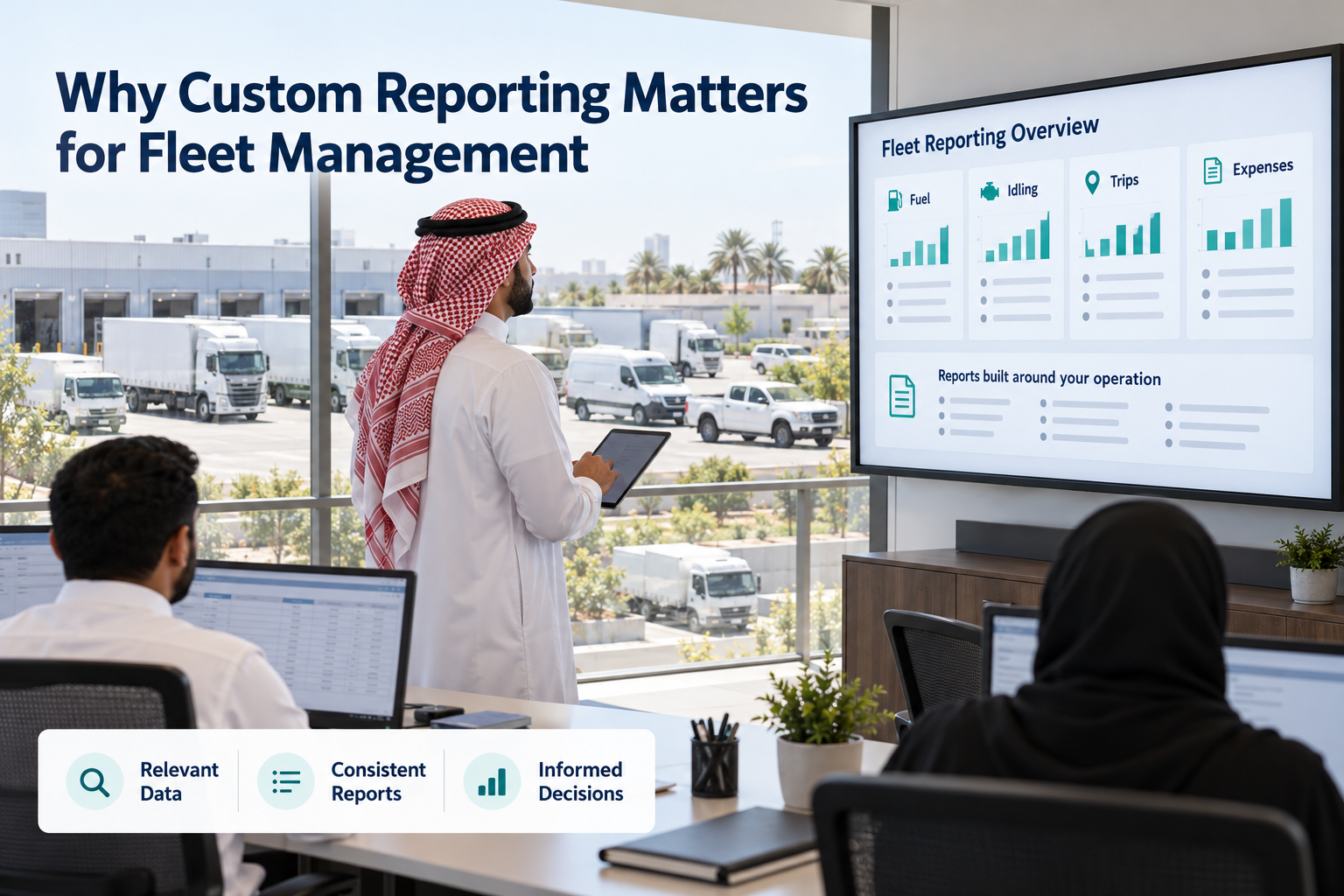
Fuel consumption may need to be examined alongside vehicle utilization. Idling activity may require a closer look at operating conditions. Trip information may be relevant to a broader operational review. Expenditure records may need to be grouped according to the assets or departments they relate to.
When reporting tools are too rigid, users spend more time preparing information and less time examining what it means.
Custom reporting addresses this challenge by allowing the report structure to reflect the question being investigated.
It also gives organizations greater flexibility as their requirements evolve. A report created for one operational purpose can be configured around different fields, conditions, groupings, and calculations when another requirement arises.
For fleet operators, this means reporting can become a more practical part of day-to-day operations rather than an isolated administrative task.
It is equally important to recognize that better reporting does not automatically guarantee lower costs or improved fleet performance. Those outcomes depend on how teams interpret the results, investigate the underlying causes, and implement appropriate operational changes.
The Custom Report Builder provides the reporting flexibility needed to support that process.
Build Reports Around Your Fleet’s Requirements
Every fleet operates differently. Vehicle types, operating schedules, reporting responsibilities, cost structures, and management priorities all influence the information an organization needs.
A reporting system that relies entirely on predefined formats may not always accommodate these differences.
Eagle-IoT’s Custom Report Builder gives users greater control over how they work with telemetry and trip data. From selecting relevant fields and defining conditions to building summary tables, managing templates, and testing reports before saving them, the feature supports a more adaptable approach to fleet reporting.
For a fleet manager investigating idling activity, a finance team reviewing expenditure, or an operations supervisor examining trip records, the objective remains the same: obtain the information required to make better-informed decisions without unnecessary reporting complexity.
More flexibility. Less dependency on fixed report formats. Reporting built around the way your fleet operates.
Explore the Custom Report Builder in Eagle-IoT and create reports that align with your operational requirements.
(FAQ ) Frequently Asked Questions About TGA Motorcycle Tracking
How do custom fleet management reports differ from standard predefined reports?
Standard predefined reports use fixed formats and fields that often require manual data exports and spreadsheet modifications to meet specific business needs. A Custom Report Builder allows fleet managers to select exact telemetry parameters, apply custom conditions, rearrange columns, and aggregate data directly within the platform.
How can a fleet manager isolate excessive vehicle idling using custom reports?
Fleet managers can set up a targeted report using telemetry data, apply duration threshold filters (e.g., idling greater than a specified timeframe) using AND/OR logic, and group the results by vehicle registration or driver. Using the COUNT aggregation function provides an immediate overview of assets requiring operational review.
Can custom reporting help summarize fleet fuel and operational expenditure?
Yes. By combining driver, vehicle reference, fuel consumption, and operational cost parameters into a customized layout, finance and operations teams can analyze costs accurately. Built-in aggregation functions like SUM, AVERAGE, MIN, and MAX enable automated calculations without relying on external processing.
Can different departments share and customize report templates in Eagle-IoT?
Yes. Users can save customized report configurations with clear names and descriptions, set visibility permissions (private, shared with everyone, or shared with specific users), and reuse templates to maintain reporting consistency across operations, finance, and executive teams.
Does Eagle-IoT support multilingual custom report generation?
Yes. Eagle-IoT natively supports multi-language report generation by default, allowing international or multilingual teams to generate and review custom fleet reports in their preferred language while using the same underlying telemetry data.
